If you are a gaming enthusiast or like to test your speed, then you must have heard of the CPS
Test.
This is a test that tells you how many times you can click in one second.
But the real question is:
Can you cross the 10 clicks per second limit?
Let’s find out what the CPS test is, why it is so popular, and how you can improve your clicking
speed to join the ranks of pro gamers.
What is CPS Test?
CPS Test means 6 clicks per second, i.e. the number of clicks done in one second. In this test
you click a button quickly and the tool automatically detects your speed. Usually tests are of 1
second, 5 seconds, 10 second
s.
Why 10 CPS a big deal
Most people average 4 to 6 clicks per second.If you get 8 to 10 clicks, you’re considered a
master. If you get 10 or more clicks, you’re considered an elite gamer.
Types of clicking techniques to reach 10 CPS
● Regular clicking
● Butterfly clicking
● Jitter clicking
● Drag clicking
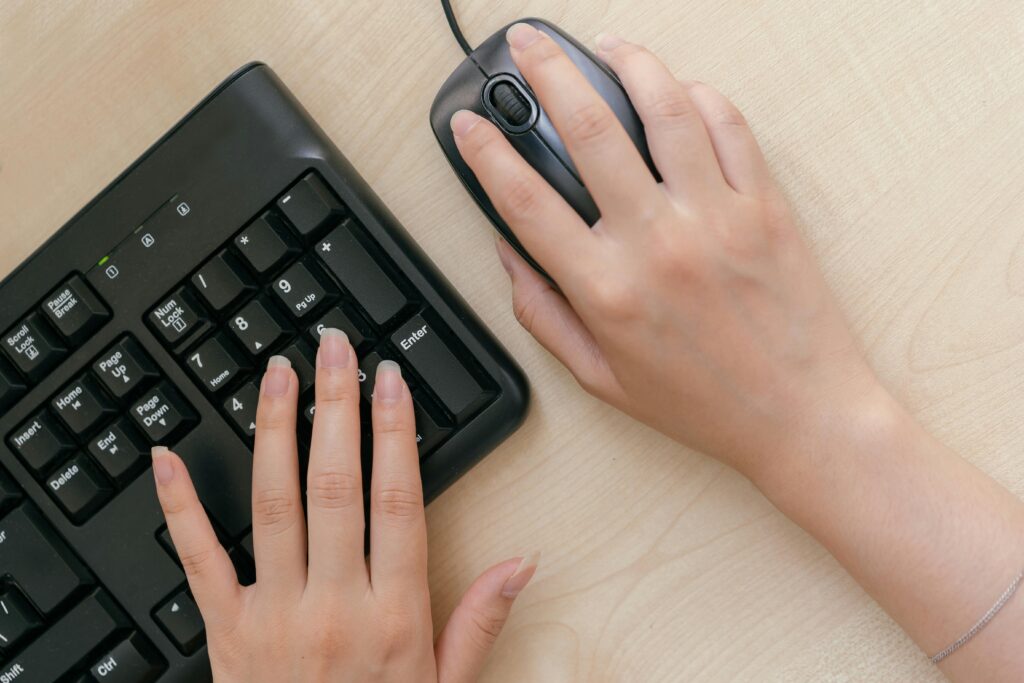
- Practice regularly (Use the kapwow CPS tester tool)
- Keep your hand relaxed
- Use a good mouse
- Start with a 1 or 5 second test first.
- Try different techniques.
- Save your score and note improvements
The science behind CPS
The CPS test isn’t just a tool for counting clicks — it actually tests the connection between the
brain and the hand.
When you click rapidly, your brain sends signals to your fingers moment by moment, and this
process happens with millisecond differences.
Gamers, designers, and fast-paced people — it’s a great exercise for everyone that strengthens
both mental agility and physical control.
The CPS Test challenge: Beat 10 cps
Now it’s your turn!
Go to Kapwow.com
, start the CPS Test Challenge,and see how many clicks you can do per second.
If your score reaches 10 CPS or more — you are an Elite Clicker
Challenge friends, share your score and see who comes out on top
Why use kapwow’s CPS tester?
There are many tools available online for CPS testing , but kapwow stands out because it’s
● Fast and accurate: Results are instant and in real time
● Mobile friendly: works on both phones and PCs
● Free: Unlimited click tests
● Fun + Competition: Play challenges with friends
How to use kapwow CPS TESTER?
Follow The Given Steps , If You want to Test Your Mouse Click Speed.
Steps:
1- From Duration Section , Select Your Time Limit.
2- Click Start Test.
3- Scroll Down and Start Tapping on the Click Button.
4- After Your Time is Finished , check result in the Result Menu.
5- If You want to Reset , Click Reset Button.
Conclusion
The CPS Test is not just a game, but a test of reflexes, focus, and speed.With every click you
get a little better.So head over to Kapwow.com today, start your CPS challenge,and see — can
you really do 10 clicks per second?