
Best Mouse Settings for Maximum CPS Output
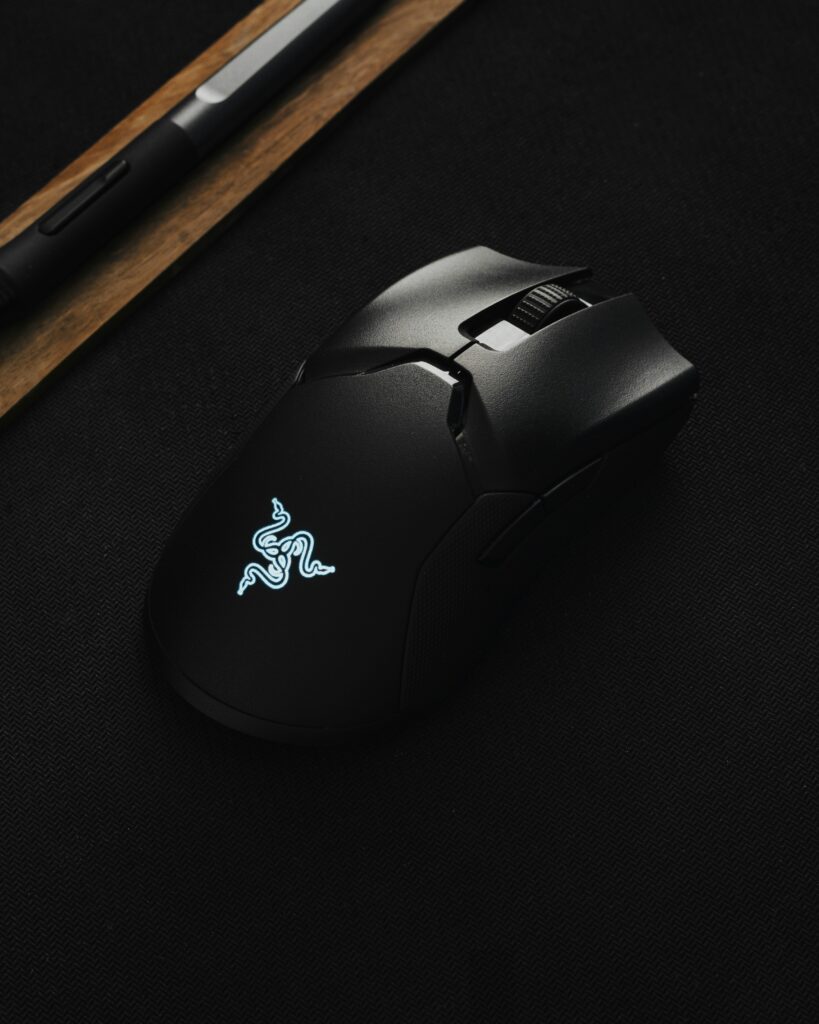
Clicking is not just a habit, it’s a skill. If you’re into gaming, PvP, or online CPS testing, you know how important fast clicking is.But fast clicking requires more than just finger speed, it also requires the right mouse settings. Today we’ll look at which settings can help you maximize your CPS (Clicks Per Second) performance. What Is CPS and Why It Matters? Clicks Per Second, which is how many times you can click in one second. It’s not just a number, but an indicator of your speed, control, and coordination.For gamers, higher CPS means faster attacks, faster defenses, and better control.Not only that, but for regular users, faster clicking improves hand agility and reaction time. The Role of Your Mouse in CPS Performance The most important thing to increase Click Speed is your mouse. Not every mouse is created equal. A good gaming mouse has features that help you click faster and with less effort Key Features: Low Debounce Time: Reduces the delay between clicks. Lightweight Design: Keeps your hand light, making clicking easier. Durable Switches: Will not wear out after repeated clicking. Customizable DPI: You can set the sensitivity as you wish. DPI Settings: The Foundation of Click Speed DPI, or Dots Per Inch, refers to the sensitivity of a mouse.Higher DPI doesn’t always mean better control is more important for fast clicking. Optimal DPI range: ● 400–800 DPI: Best for stable and accurate clicking. ● 1000–1600 DPI: Good for speed but less control. You should start with a low DPI and gradually increase it to find a balanced setting for you. Adjusting Your Polling Rate for Smoother Clicks Polling Rate determines how often the mouse reports its position to the computer.It is measured in Hz (hertz). The higher the rate, the faster the response. Recommended settings: 500 Hz: Best balance for most users. 1000 Hz: For pro gamers, with higher speeds. If you experience lag at 1000 Hz, return to 500 Hz Debounce Time: The Secret to Higher CPS Debounce Time is a small delay that the mouse takes to avoid double-clicking. But it is necessary to reduce it to increase CPS.Set Debounce Time to 1–5 ms. Software That Help You Click Faster Most gaming mice come with software, such as Logitech G Hub, Razer Synapse, or Glorious Core.In these, you can fine-tune your settings. Key changes: ● Reduce Debounce Time ● Set DPI Profiles ● Disable Angle Snapping ● Create Macros for specific games The Importance of Mouse Grip and Surface The way you hold your mouse affects both your speed and control.The right grip style gives you both comfort and speed. Best grips: Claw Grip: Suitable for butterfly or jitter clicking. Fingertip Grip: For fast and light clickin Practice Makes Perfect: Train with CPS Tools After the difficult settings, it’s time for practice.No setting can be useful without practice. Use online CPS Tester Tools like Kapwow CPS Tester to measure your speed Unlock Your True CPS Potential Use Kapwow CPS Tester to track your progress —where you can see real-time click speed, save your records,and compete with players around the world.