
Why Students Love Online Image Converters

In the digital age of today, students’ lives are extremely busy. Between assignments, online classes, research projects, and presentations, every moment is precious. One such tool that saves time and makes the job easier is an online image converter.Whether you need to convert PNG to JPG, convert PDF to image, or reduce the size , this tool is no less than a helpful friend for students. Amidst all of these, Kapwow.com stands out fast, simple, and absolutely free. The Everyday Struggle: Managing Different Image Format The student comes across different file formats such as JPG, PNG, PDF, WEBP, etc. Sometimes teachers ask for JPG, sometimes they need transparent PNG for presentations.In such a situation, if you have to download software, it is a waste of time. But with Kapwow Image Converter, you can convert any file to the desired format in just a few seconds , that too without any installation. Time Saving Time is the most valuable asset for students. Every minute counts, especially when it comes to deadlines.Kapwow.com’s image converter works fast — just upload, click convert, and download the file.No sign-ups, no ads , just speed and convenience. Perfect for Assignments, Reports, and Presentations Often students need to include images in assignments, but the problem arises due to large files or incorrect formats.Online converters help you compress images and convert them to the correct forma Benefits With Kapwow, every project you create can be of professional quality.Data privacy is a big issue these days.Kapwow.com is a completely secure platform for students. Your files are automatically deleted after conversion.No sign-up required, no file records kept — just complete security. Compatible with Any Device , Anytime, Anywhere Whether you’re using a laptop, tablet, or mobile phone, Kapwow Image Converter works great on every device.It’s completely mobile-friendly, meaning you can convert your file anytime, anywhere whether in class or at home. Useful for Social Media and Projects Image converter is not only useful for academic work but also for social media, designing and profile presentations.With Kapwow, students can: * Convert images to the right size for social media. * Maintain high quality for creative projects. * Correct image format for your CV or portfolio. This means it is not just a school tool but an all-rounder platform for every online need. How to Use Kapwow Image Converter Conclusion: The Smarter Way to Study Online image converters have made life easier for students. Now converting, compressing or changing formats of files is a matter of minutes.If you want to save time while studying, Kapwow.com is the best solution for you.It is not just a tool but a digital study partner that stands by you in every assignment.
Image Converter Guide: Convert Any File in 5 Seconds
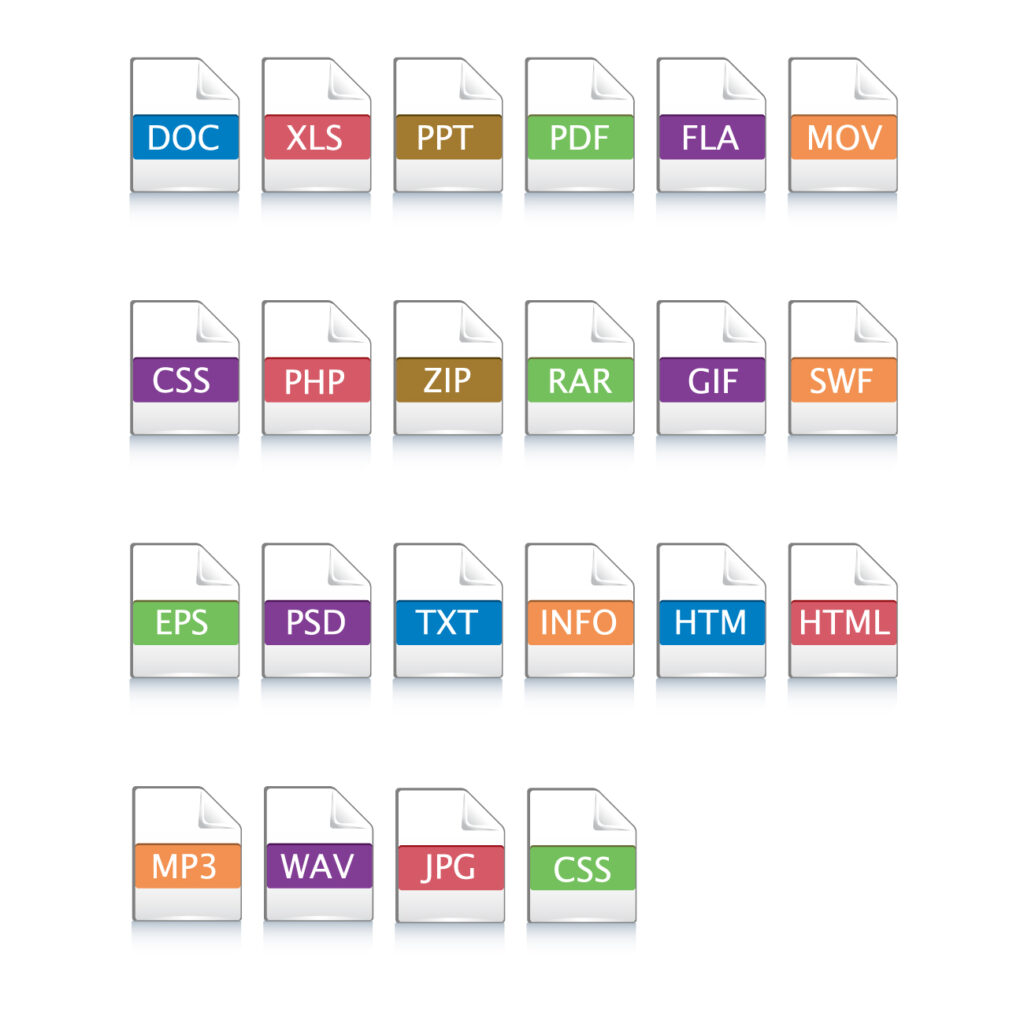
Time is the most precious thing in the digital age. Whether you are a designer, a student, or a social media creator sometimes you need to convert an image to another format.In such cases, online image converter tools like Kapwow Image Converter save you time and make the job easier. What is Image conversion format? Image converter is a tool that converts the format of your images. Uses of Image Converter When should you convert images? Benefits of using Kapwow Image Converter Kapwow is unique from other online converters. See the reasons: Kapwow is not just an image converter, it also has more interesting tools like Caption Generator and CPS Tester. How to convert any image in seconds? Visit our Image Converter Tool Page and follow these steps : Why choose Kapwow over other tools? There are many image converters available in the market, but Kapwow stands out for its speed, simplicity, and quality. Conclusion Image conversion is no longer a difficult process.With Kapwow Image Conversion, you can convert any image in a matter of seconds. That too without losing quality and at no cost.No more software, no complicated settings just a few clicks, and the result is in front of you. Visit today and convert your images in seconds.
What is PNG (Portable Network Graphics) ? : Convert Any file to PNG
In today’s digital world, the importance of images is beyond any doubt. Whether it’s socialmedia, website design, or personal use, high-quality images are essential everywhere. There aremany formats of photos available but PNG is the most popular among them. What is PNG format? PNG stands for Portable Network Graphics. This format was created as a replacement for GIFto provide better quality frames. This format is popular because it does not reduce the quality ofthe image and supports transparent backgrounds. Why convert Files to PNG? There are many advantages to converting an image or files to PNG format. The most important one isthat Portable Network Graphics does not compromise the quality of the image and retains the original details. This format is especially useful for those who design graphics or logos, as the quality of the imagedoes not deteriorate during editing. Furthermore, it gives a cleaner and more professionallook on websites or social media. PNG Vs Other Formats When it comes to saving or sharing images, several formats are used. Each format has itsadvantages and disadvantages, but Portable Network Graphics is popular because it supports lossless compression and transparency. Unlike JPeG, which degrades the image quality to reduce file size, PNG retainsthe original details and sharpness. That’s why it’s great for graphics, text-based images, anddesign. Compared to GIF, PNG supports millions of colors, so the image looks cleaner andclearer. Things to consider when using PNG Although PNG is the most popular and high-quality image format, there are a few things toconsider before using it. First, the file size is larger than JPG because Portable Network Graphics uses Lossless Compression This means that if you are saving a large number of images, you will need more storage. Second, it is not alwaysthe best choice for photography. However, Portable Network Graphics is especially good for logos, graphics, icons, and images with transparent backgrounds. So, depending on the purpose of the image, decidewhether or not to use this format. Why use our Image to PNG Tool? Kapwow Image to PNG tool is faster, easier and more reliable than other tools. Its biggest feature isthat it preserves the original quality of your images and converts them to Portable format in a fewseconds.It is completely free, no subscription or registration is required. You can use itanywhere on your mobile, computer or tablet. In addition, this tool keeps your files safe andautomatically deletes them after conversion, so that your data remains private.Whether you area designer, student or entrepreneur, our tool is a great convenience for you that saves time andalways gives professional results. Try our tool today to convert your images to any format in high quality and quickly! The future of PNG Format This format will continue to be important in the future as it is the most reliable in terms ofquality and transparency. New formats such as WebP or HEIC are coming to the market, butPNG’s popularity and wide support make it a must-have format.it will always play a centralrole, especially in branding, logos, web design, and graphics. Other Files Conversion Formats Conclusion Portable Network Graphics is a format that saves your images with better quality and a transparent background. If you want your images to look professional and clean, PNG is the best choice. Whether it’s logos,graphics, or social media posts, This format is suitable everywhere. In a digital world where quality andpresentation are paramount, Portable Network format is a must-have. It not only preserves the originalbeauty of your images but also presents them in a professional manner on every platform. Try our Image to other formats converter tool now to convert your images to any format with the best quality ina matter of seconds.